



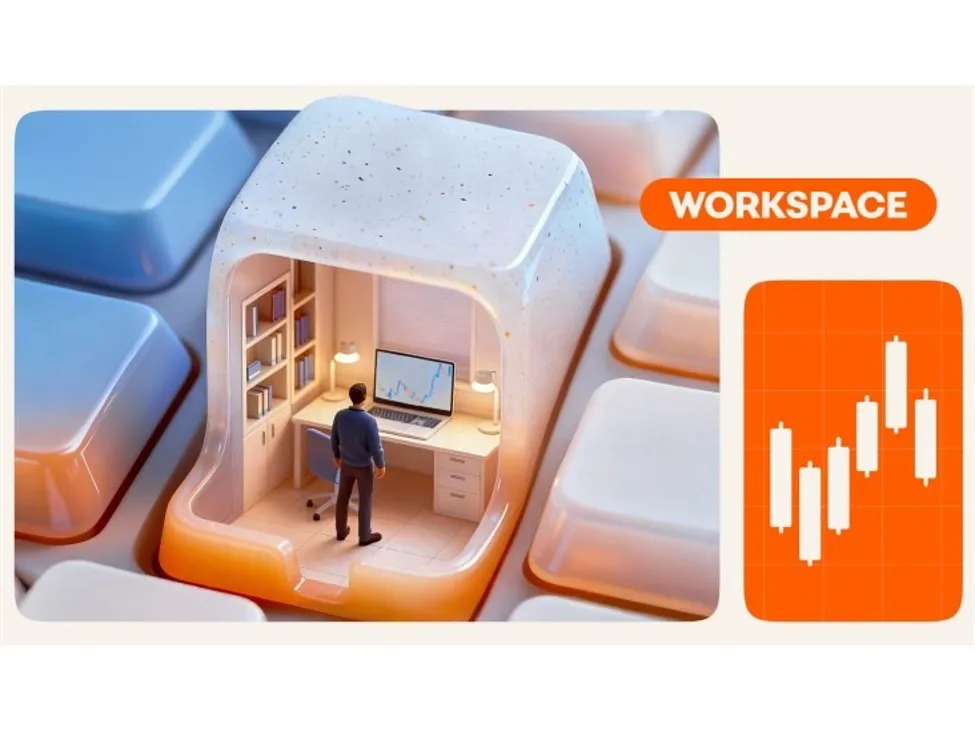

Traders Race to Upgrade Desks as FX Volatility Rises, With Study Tying Better Workspaces to Faster Decisions As FX volatility climbs into year-end and macro risk intensifies, traders are retooling their desks for speed and clarity. A 2024 PLOS ONE study by Stroom, Eichholtz and Kok links well-ventilated, comfortable home setups to stronger focus, while industry data cited by brokers suggest multi-screen users can make decisions roughly 27% faster than single-screen traders—an edge that matters when spreads widen and liquidity thins around major data drops.
Why desks matter when markets move
Market microstructure is unforgiving during high-impact releases such as US CPI, NFP and central-bank decisions. Bid-ask spreads can flare, price discovery can fragment, and execution quality hinges on both platform stability and cognitive bandwidth. For multi-asset traders moving between FX, indices and commodities, workspace design—screens, layout, ergonomics, and redundancy—can be the difference between proactive risk control and reactive mistakes. Broker Octa recently outlined two dominant archetypes emerging across retail trading rooms: a high-tech command center built for maximal data visibility, and a minimalist hub focused on distraction-free execution. The choice often tracks trading style, time horizon and budget.
Two archetypes for 2025
The high-tech command center: data-rich and latency-aware
For traders handling multiple symbols and execution venues, the “citadel” approach prioritizes information density and uptime. –
Monitors:
Four to eight 2K/4K screens on adjustable arms, with dedicated panes for live charts, news/squawk, economic calendars, order books (where applicable) and execution. The goal is fewer window switches and faster context switching across FX pairs and correlated assets. –
Computer:
High-spec desktop (e.g., Intel i7/Ryzen 7 or better), 32GB+ RAM, SSDs and capable GPUs to drive high-resolution displays without lag during event-driven volatility. –
Ergonomics:
Adjustable chair and desk, proper viewing arc, wrist support and lighting to curb fatigue and maintain reaction speed during long sessions. –
Peripherals:
Mechanical keyboard, precision mouse, macro pads for hotkeys, UPS and redundant internet to protect open positions during outages. –
Software:
Pro-grade platforms with real-time data, advanced charting/alerts, integrated news terminals and analytics to align research, risk and execution in one stack.
The minimalist hub: clarity, control and cost discipline
Day-to-day swing traders and those building consistency often favor simplicity. –
Monitors:
One ultrawide or two quality displays are enough for charts and an order ticket, cutting visual noise. –
Computer:
Reliable laptop or mid-range desktop runs broker platforms and core charting smoothly; portability supports flexible working. –
Ergonomics:
A comfortable chair, clean desk and neutral lighting sustain focus without premium add-ons. –
Peripherals:
Standard input devices and basic surge protection cover essentials; fewer devices mean fewer failure points. –
Software:
Low-cost or bundled brokerage tools reduce overhead and cognitive load, helping newer traders focus on process over gadgets.
What traders are prioritizing now
–
Event readiness:
Pre-set layouts for macro days (CPI/NFP) with price ladders, spreads, DOM or tick charts (when available), and a low-latency news feed. –
Stability first:
UPS units and mobile hotspot failovers to avoid forced exits or missed stops during power and ISP disruptions. –
Cognitive ergonomics:
Cooler, ventilated rooms and good lighting ease mental fatigue—aligning with the PLOS ONE findings on focus and perceived productivity. –
Execution hygiene:
Hotkeys, standardized order sizes and alerts to minimize errors when markets gap or liquidity evaporates. –
Right-sizing the stack:
Matching setup to strategy—scalpers may benefit from multi-display environments; position traders may find a cleaner, two-screen layout more efficient.
Key Points
- FX volatility and thinner liquidity around macro events amplify the value of a reliable, ergonomic trading desk.
- A 2024 PLOS ONE study links better home workspace quality to stronger focus, supporting investments in air, light and comfort.
- High-tech, multi-monitor setups boost data visibility and can reduce task switching, aiding faster decision cycles.
- Minimalist desks trim distraction and costs, supporting discipline and process for swing or position traders.
- Redundancy—UPS and backup internet—ranks as mission-critical for live positions and order management.
- Software integration (charts, news, risk, execution) streamlines workflow and reduces operational risk.
- There’s no one-size-fits-all: align hardware to time horizon, instrument mix and capital at risk.
Bottom line
With FX traders navigating higher-rate dispersion, patchy liquidity and fatter tails around data prints, the desk has become a performance lever rather than a vanity project. Whether you favor a multi-screen command center or a tightly curated two-monitor rig, optimize for stability, clarity and repeatability. As BPayNews sees across desks this quarter, the winning setups are the ones that make it easier to follow your process—especially when the tape turns violent.
FAQ
Do more monitors improve trading performance?
More screens don’t guarantee profits, but they can reduce window switching and improve situational awareness. Industry data cited by brokers puts decision speed gains near 27% for multi-screen users, though outcomes still depend on strategy, discipline and risk control.
What is a practical minimum hardware setup for retail FX?
A modern laptop or desktop with 16GB RAM, SSD storage and one or two quality displays handles most broker platforms and charting. Ensure a stable internet connection and consider a basic UPS to protect open positions during short outages.
How should I prepare my desk for high-impact events like NFP or CPI?
Use a dedicated layout showing your key pairs, spreads, and an order ticket with pre-defined sizes and stops. Run a reliable news feed/squawk, test hotkeys, and have internet/power redundancy ready. During the release window, minimize non-essential charts and apps to preserve system resources.
Is a desktop better than a laptop for trading?
Desktops offer superior multi-monitor support, cooling and upgrade options—useful for heavy charting. Laptops deliver portability and are adequate for most retail needs. Many traders pair a laptop with one external monitor for a balanced middle ground.
Which ergonomic changes have the biggest impact?
An adjustable chair, proper monitor height and lighting, and a cool, ventilated room reduce fatigue and eye strain. These factors support consistent reaction time and decision quality over long sessions.
How important is internet latency for retail FX?
Consistency and stability matter more than shaving a few milliseconds. Aim for a reliable broadband connection, wired where possible, and keep a mobile hotspot as backup. Platform responsiveness and broker execution quality are equally important.
Related: More from Market Analysis | Related Box Test | Crypto Worries Over Iranian Oil Supply: Is It Overhyped? in Crypto Market